



In operations work, deciding whether to act often takes more judgment than deciding how. When a system shows signs of trouble, should you restart it immediately, or investigate the root cause first? This call has traditionally relied on an engineer's personal experience — while automated tools tend to overcorrect, triggering recovery the moment an anomaly appears, which can mask the real problem or even introduce new risk into production.
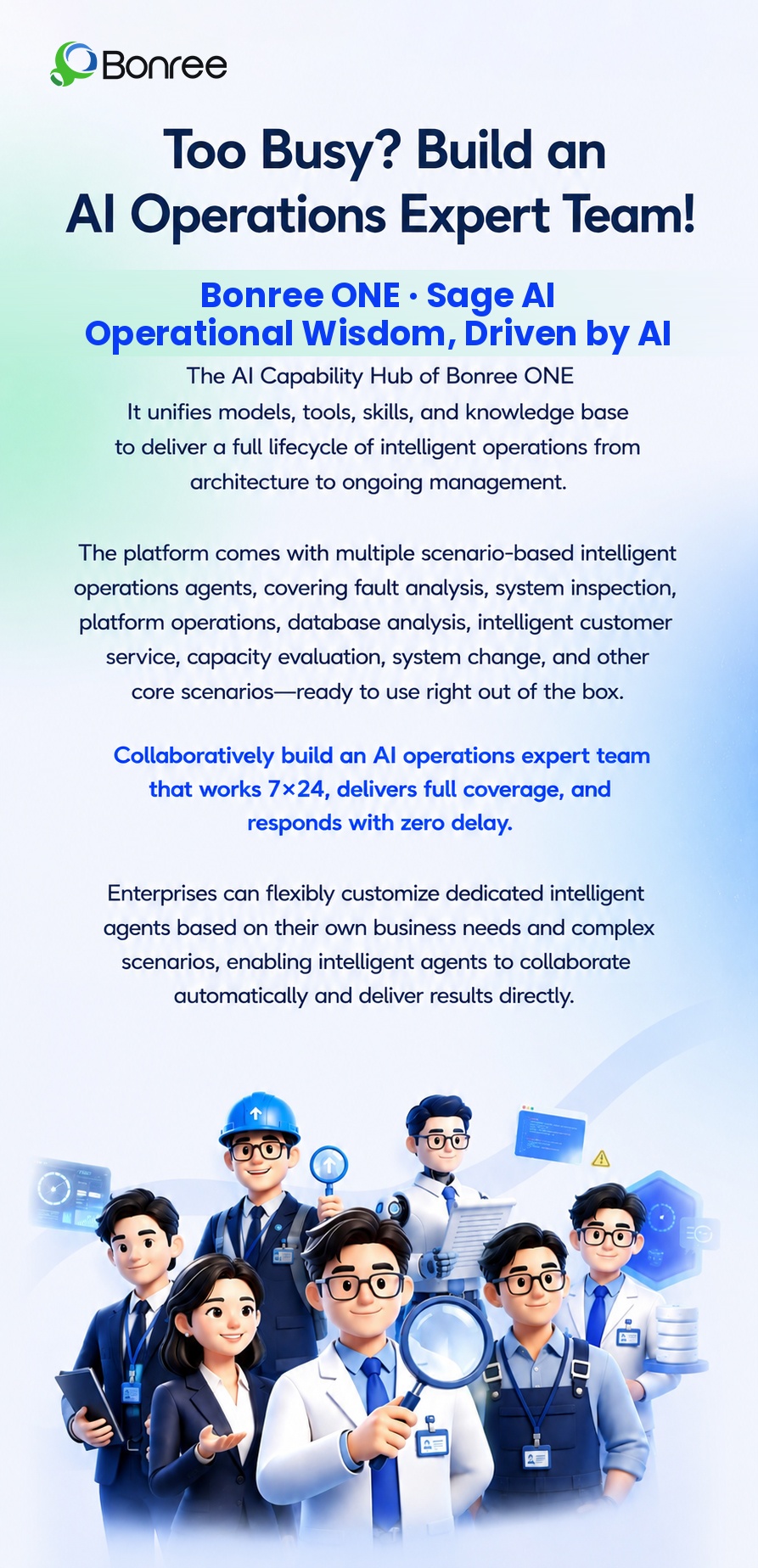
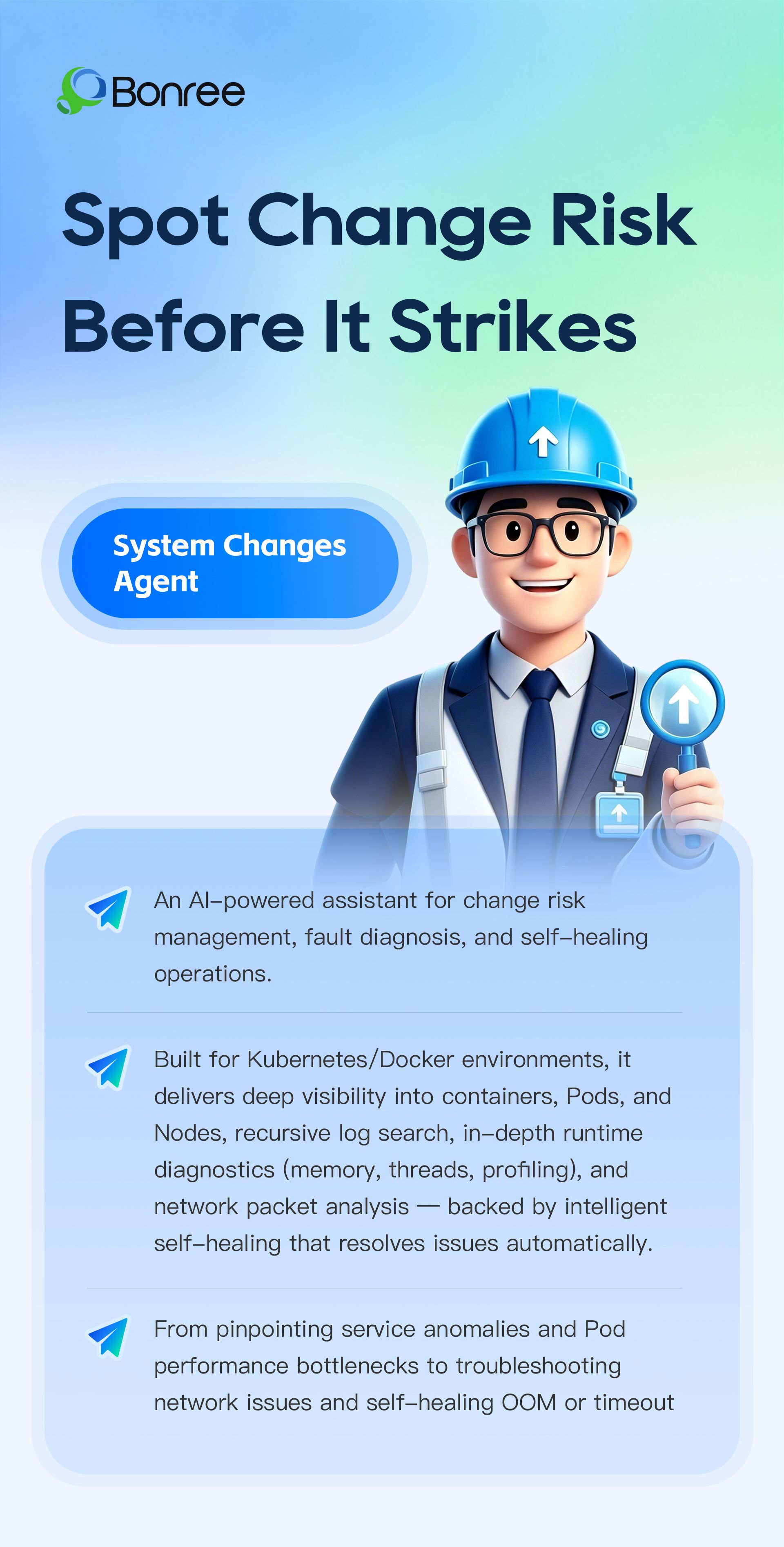
This is precisely the challenge that the System Change Assistant, part of the Bonree ONE Sage AI agent workbench, is built to solve.
A Real-World Scenario: A Complete Autonomous Diagnosis
What follows is a real case handled by the System Change Assistant. The instruction given to it was simple:
"Analyze the performance and logs of the query service container, and attempt recovery if necessary."
From receiving the task to delivering its conclusion, the System Change Assistant completed the entire process independently — with no human intervention at any point.
Step 1: Task Assessment and Connection
The assistant first assessed the incoming task, identified it as a container runtime diagnostic job, loaded the relevant expert capabilities, and established a connection to the target host to begin its investigation.
Step 2: Autonomous Replanning
During execution, its first diagnostic command was blocked by the system's built-in safety guardrails due to the complexity of the operation involved. Rather than stalling, the assistant broke the task down into simpler, safer steps on its own and worked around the risk to keep moving forward.
When searching for the target container by name, the initial query came up empty. Instead of simply reporting "not found," the assistant broadened its search, confirmed the true identity of the target service, and automatically switched to the appropriate specialized diagnostic path.
Step 3: Multi-Dimensional Data Collection and Cross-Verification
Once the target was confirmed, the assistant collected data across multiple dimensions — resource usage, memory, garbage collection, thread status, and machine load — cross-referencing the results against one another. Only once it judged the evidence sufficient did it move on to forming a conclusion. In total, the System Change Assistant autonomously made nearly 20 tool calls, covered 8 diagnostic dimensions, and consumed 738.1K tokens — all without requesting a single instruction from the engineer along the way.
Step 4: A Conclusion, Not a Data Dump
Rather than returning a pile of raw logs, the assistant delivered a clear summary report, ranking runtime status, memory, threads, CPU, garbage collection, and machine load by health level. Based on this, it reached a definitive conclusion: the container itself was running normally, the issue originated at the application layer, and no recovery action was needed.
The Decision Logic: Diagnose First, Change Second
The System Change Assistant's self-healing and recovery capability was never designed to "act the moment an anomaly is detected." Instead, it strictly follows a complete chain of reasoning: diagnose → judge → decide whether to act.
In this case, it followed the judgment branch — determining that the current state did not amount to a fault requiring recovery, and therefore triggering no recovery action at all. Had the diagnosis pointed to a need for a restart, a cleanup, or rate limiting, the assistant is equally capable of executing the action directly or escalating for human confirmation.
Compared with the blunt instrument of a "one-click restart," this think-first, act-second approach is exactly the kind of interface required when handing change permissions over to an autonomous agent.
Tiered Recommendations to Guide Follow-Up
Having determined that no recovery was needed, the assistant still provided engineers with a set of prioritized recommendations, ranked :High, Medium, and Low:
High — Fix SQL backtick compatibility: adjust the parser dialect configuration, or standardize the backticks in view definitions to a compatible syntax.
High — Clear the invalid retry queue: remove failed views recorded in the database to stop pointless retry loops.
Medium — Investigate elevated thread counts: further confirm whether the connection pool threads are leaking.
Medium — Watch for CPU overcommitment on one machine: check resource allocation across other containers on the same host and evaluate whether limits are needed.
Low — Fill in missing diagnostic tooling: pre-install the required JDK diagnostic components for the switch, to make future troubleshooting easier.
Looking back at this full process — from receiving the instruction, to reaching a conclusion, to delivering recommendations — what the System Change Assistant actually demonstrated comes down to a few core capabilities:
End-to-end coverage, not a single niche. Container performance diagnostics are just one piece of its capability. The same autonomous reasoning, safe execution, and conclusion-drawing logic applies equally to log investigation, network packet analysis, pod scheduling anomalies, and other system change and troubleshooting scenarios.
Autonomous planning and adaptation. From breaking down the task to replanning its approach, the assistant judges for itself how to respond when it hits an execution obstacle or lacks sufficient information — with no need for step-by-step human guidance.
Acting within safety boundaries. Risky operations are intercepted by built-in safety guardrails, prompting the assistant to automatically shift to a safer execution path — capable of acting autonomously, and acting safely.
Diagnose before you change anything. Rather than the blunt logic of "recover the moment something looks off," the assistant insists on completing its diagnosis and pinpointing the root cause before deciding whether to act — and it backs that decision with actionable recommendations, making operational decisions more trustworthy and more disciplined.
For operations teams, this means that when a container misbehaves, engineers no longer need to start from logging into the host and working through the problem step by step. The entire sequence — detect the issue, pinpoint the cause, judge whether to act, and deliver recommendations — can be handed to an agent that understands the rules and can exercise judgment, leaving the engineer to make the final call based on its conclusions.
This is what operations tooling should look like in the AI era: not cold menus and documentation, but a team of "AI colleagues" who understand you, understand the business, and are always on call. The Bonree ONE Sage AI agent workbench is exactly that — a team of specialists covering core operations scenarios including system inspection, fault analysis, platform operations, database analysis, intelligent customer support, capacity assessment, and system change — freeing engineers from routine, repetitive work so they can focus on higher-value decisions and optimization.